

How do I set up my Voicemail in Zoom Phone?
Last updated: Nov 19, 2026
10
views

All of your voicemail settings can be accessed via your Zoom Phone settings in your Zoom account. Visit this site:
https://utahtech-edu.zoom.us/pbx/page/telephone/myZoomTelephony#/my-cloud-phone/settings
Scroll down to "Others"

Your PIN can be found just above the 'Others' section and you can view it or change it here
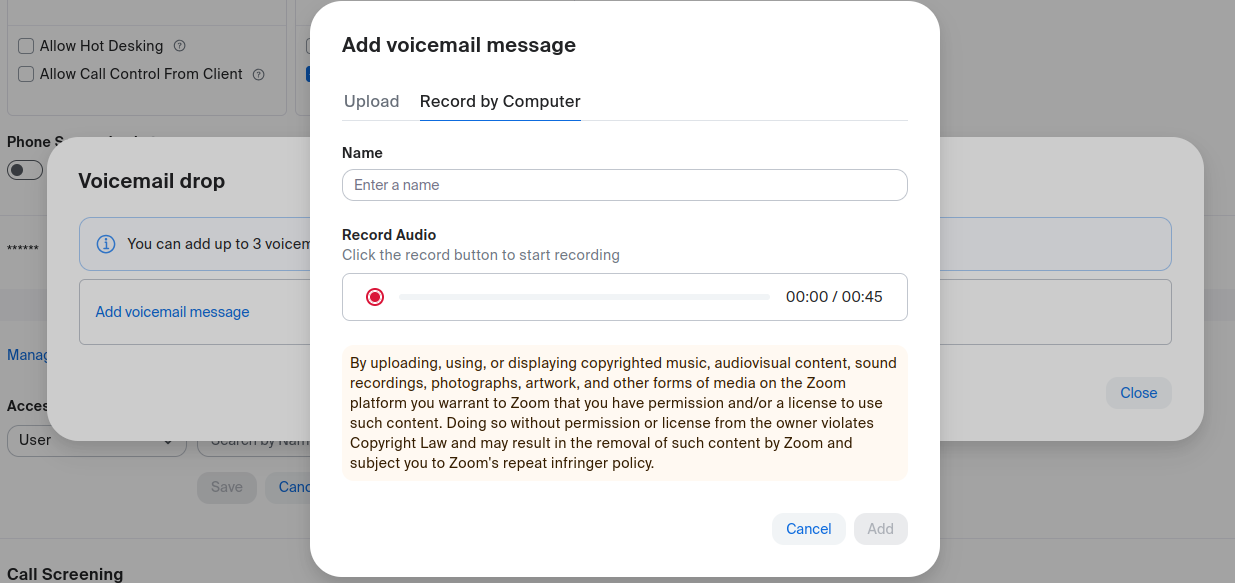
Click Manage under 'Voicemail drop' to record up to 3 voicemail greetings. The top greeting in the list will be used to answer calls when you do not answer.
Voicemail will be delivered to your email inbox as both an audio file and a transcription.

